
Beauty Cam Effect Photo Editor3.0 - App Store
You'll be able to see results in few seconds.
Publisher Description
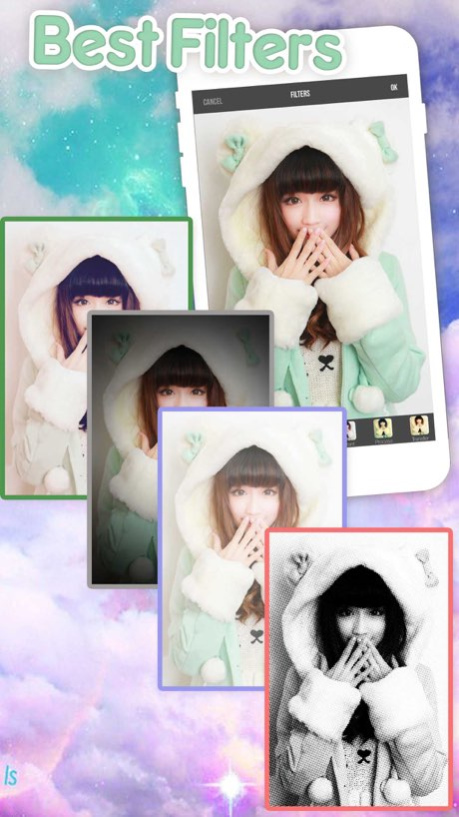
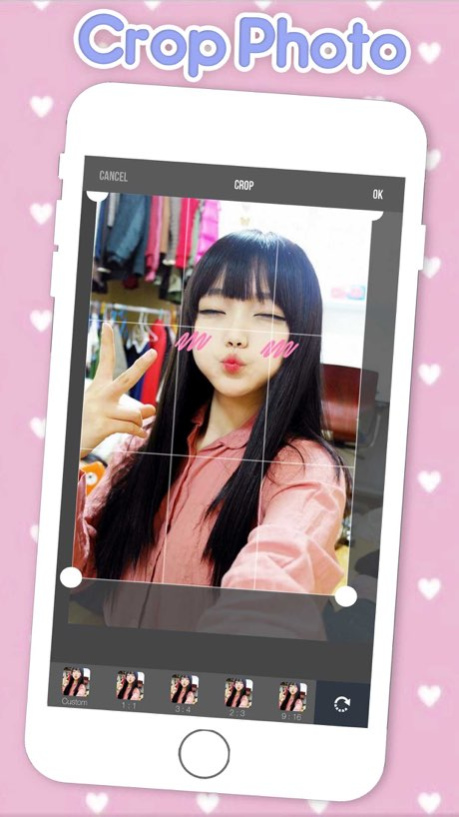
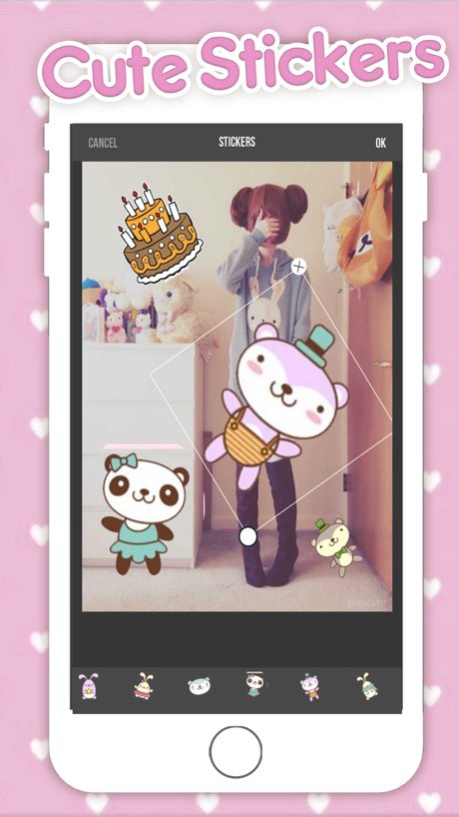
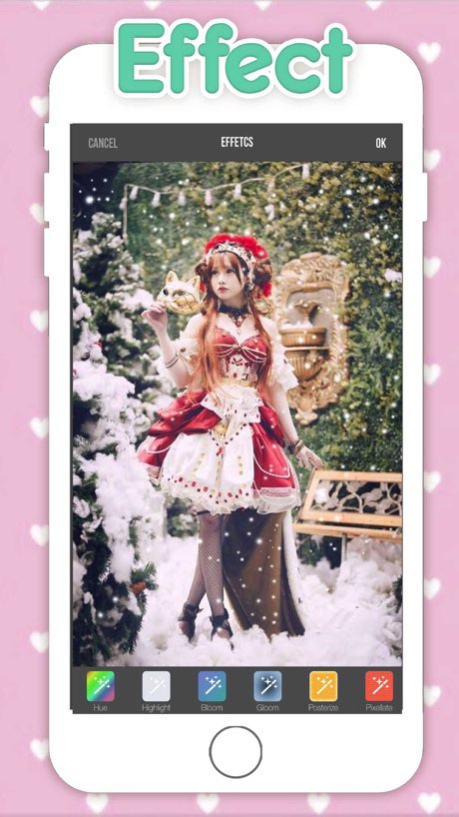
Camera Sakura Beauty Effect is an advanced editor for pictures allowing a wide range of photo manipulation features for your mobile. You can do easy tasks to enhance your photos like choosing filters on through advanced operations such as modifying curves and more. Adjust color, add effects, rotate, crop, resize, frame, clone, and draw on your photos. Color adjustment options include hue, saturation, contrast, and brightness. Additionally, Photo Editor offers many effects for your photos including gamma correction, auto contrast, auto tone, blur, sharpen, oil paint, sketch, black & white high contrast, sepia, and more.,simple selfie creation, and it's free. Snap! Snap! Snap! Taking amazing selfie with free filters & auto retouch
Features:
- Real-time auto retouch. Auto retouch work for your flawless photo.
- Create your own memes
- Gorgeous photo effects, filters and frames
- Sharpen and blur Focus (Tilt Shift)
- Crop, rotate, and straighten your photo
- Real-time selfie filters. Preview filter effect before take selfies.
- Adjust brightness, contrast, color temperature, and saturation
- Fun stickers Color balance
Why are you still reading this? Time to download Selfie Camera and share your friends.
This app has been updated by Apple to display the Apple Watch app icon.
- General Data Protection Regulation
- Bug Fix
- New Stickers
About Beauty Cam Effect Photo Editor
The company that develops Beauty Cam Effect Photo Editor is Angrisa Leungtanapolkul. The latest version released by its developer is 3.0.
To install Beauty Cam Effect Photo Editor on your iOS device, just click the green Continue To App button above to start the installation process. The app is listed on our website since 2018-06-01 and was downloaded 0 times. We have already checked if the download link is safe, however for your own protection we recommend that you scan the downloaded app with your antivirus. Your antivirus may detect the Beauty Cam Effect Photo Editor as malware if the download link is broken.
How to install Beauty Cam Effect Photo Editor on your iOS device:
- Click on the Continue To App button on our website. This will redirect you to the App Store.
- Once the Beauty Cam Effect Photo Editor is shown in the iTunes listing of your iOS device, you can start its download and installation. Tap on the GET button to the right of the app to start downloading it.
- If you are not logged-in the iOS appstore app, you'll be prompted for your your Apple ID and/or password.
- After Beauty Cam Effect Photo Editor is downloaded, you'll see an INSTALL button to the right. Tap on it to start the actual installation of the iOS app.
- Once installation is finished you can tap on the OPEN button to start it. Its icon will also be added to your device home screen.
Program Details
System requirements
Download information
Pricing
Version History
version 3.0
posted on 2018-06-01
This app has been updated by Apple to display the Apple Watch app icon.
- General Data Protection Regulation
- Bug Fix
- New Stickers
version 3.0
posted on 2018-06-01
Jun 1, 2018
Version 3.0
This app has been updated by Apple to display the Apple Watch app icon.
- General Data Protection Regulation
- Bug Fix
- New Stickers
Disclaimer
Official App Store Link
We do not host the Beauty Cam Effect Photo Editor app on our servers. We did not scan it for viruses, adware, spyware or other type of malware. This app is hosted by Apple and passed their terms and conditions to be listed there. We recommend caution when installing it.
The App Store link for Beauty Cam Effect Photo Editor is provided to you by apps112.com without any warranties, representations or guarantees of any kind, so access it at your own risk.
If you have questions regarding this particular app contact the app developer directly. For questions about the functionalities of the apps112.com website, contact us.
